
One area at a time
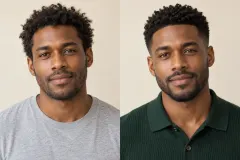
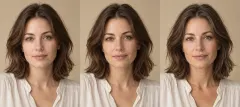
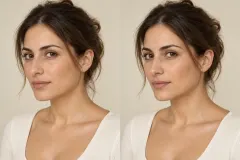
Choose from six areas. Keeping the request local makes the before-and-after comparison easier to read and describe.
PSL SCALE / THE PERSONAL STYLE LAB
Explore nose, lip, chin, jawline, cheek or brow appearance on your own photo. Choose one area, compare a restrained visual change and keep the rest familiar.
Create my preview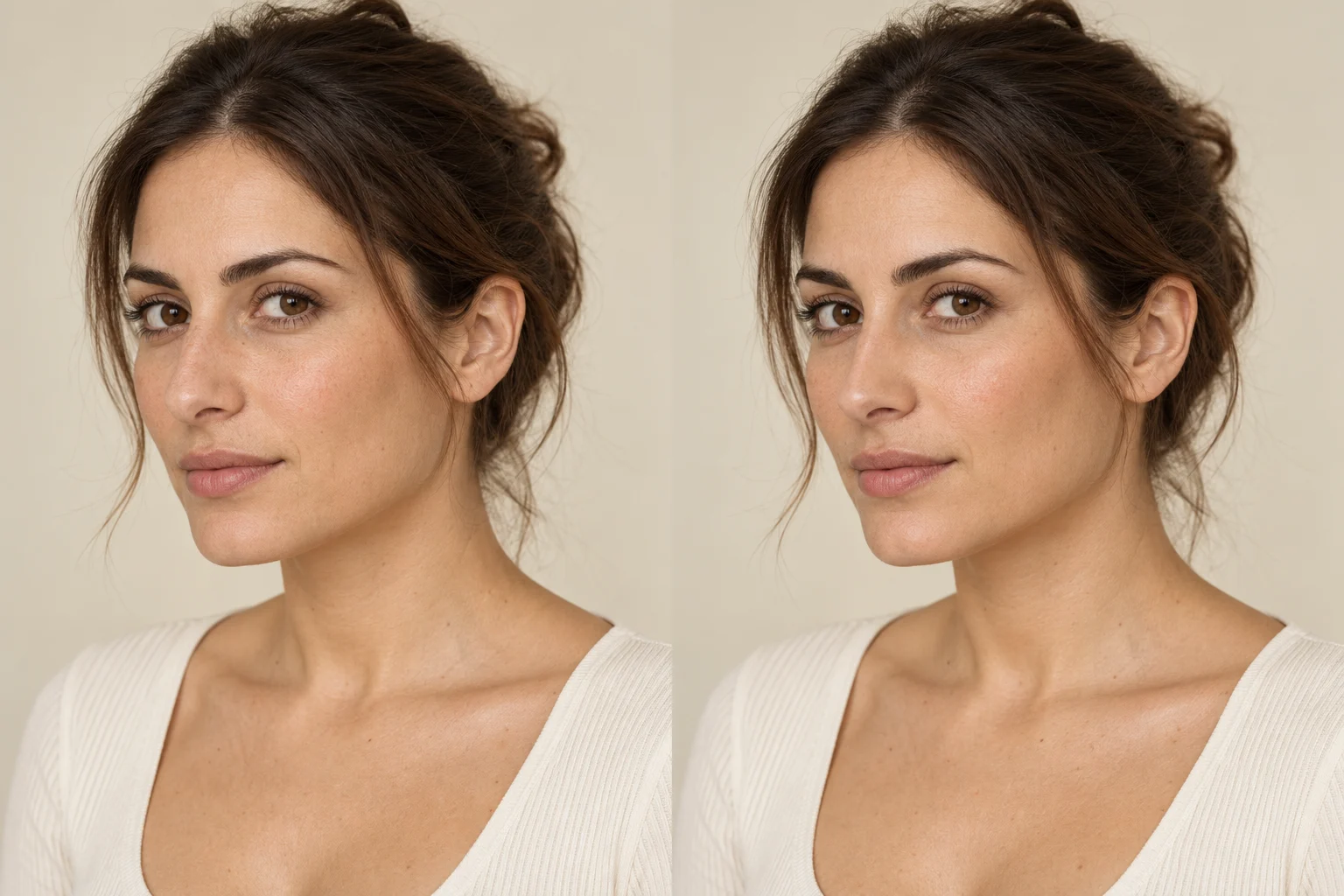
Choose a direction. Compare the details. Keep the version you love.
1 images, 20 credits reserved. Each successful image costs 20 credits; failed images are refunded.
Your photos are used only for this generation and are not stored long-term. Temporary files are automatically cleared. Please download your results.
AI appearance illustration; not a prediction of a procedure outcome.
Explore a specific choice, with the original always in view.
Choose from six areas. Keeping the request local makes the before-and-after comparison easier to read and describe.
Start with a natural variation or request a more noticeable version. The controls describe visual styling, not treatment quantities or clinical measurements.
Download the illustration to help describe what interests you. A generated image cannot establish suitability, feasibility or an actual procedure outcome.
One person, even light and the whole area you want to edit in the frame.
Set your preferences and check the exact credit cost before you begin.
Inspect your previews next to the original and save the ideas you like.
A nose job simulator or lip filler simulator can make a visual preference easier to describe. This page lets you explore the visible shape in one photograph: the bridge and tip of a nose, the contour of lips, or the definition of a chin and jawline. The source angle and expression stay part of the comparison.
The result is an AI appearance illustration. It does not model anatomy, healing or the effect of a real intervention. Use a clear photograph from the angle you want to inspect; the tool does not create a verified side profile from a frontal image. Questions about real procedures belong in a qualified consultation.
Choose the camera angle you want to compare.
Keep the selected area clearly visible.
Compare the full face as well as the local detail.
It creates illustrative edits for nose shape, lips, chin contour, jawline, cheeks and brow position. Select one area per image and compare it with your original.
The image is not a prediction. Actual outcomes depend on anatomy, treatment and healing, which this tool does not evaluate. Use the illustration only to communicate a visual idea.
Yes. Choose Nose shape or Lip shape. The instructions restrict the edit to the chosen area and preserve the other features, expression, hair and background.
No. Natural and noticeable are visual edit directions. The tool does not recommend procedures, dosages or clinical plans.
You can browse examples and choose an area freely. Each generated preview uses 20 credits. If generation fails, the reserved credits are released.
Your photos are used only for this generation and are not stored long-term. Temporary files are automatically cleared. Please download your results.
A DIFFERENT PERSPECTIVE
Your photos are used only for this generation and are not stored long-term. Temporary files are automatically cleared. Please download your results.