
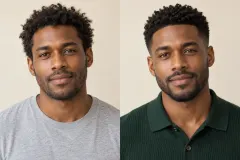
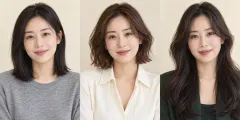
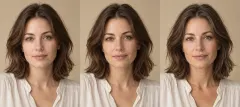
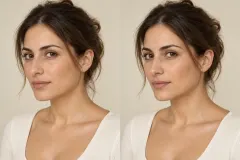
Choose the details
Pick only the categories you want to change. A new hair color can stand alone, or pair a haircut with light makeup and a different top.
PSL SCALE / THE PERSONAL STYLE LAB
Try a new haircut, hair color, makeup or outfit on your own photo. Combine up to three changes in one considered look, with you in control of the direction.
Create my preview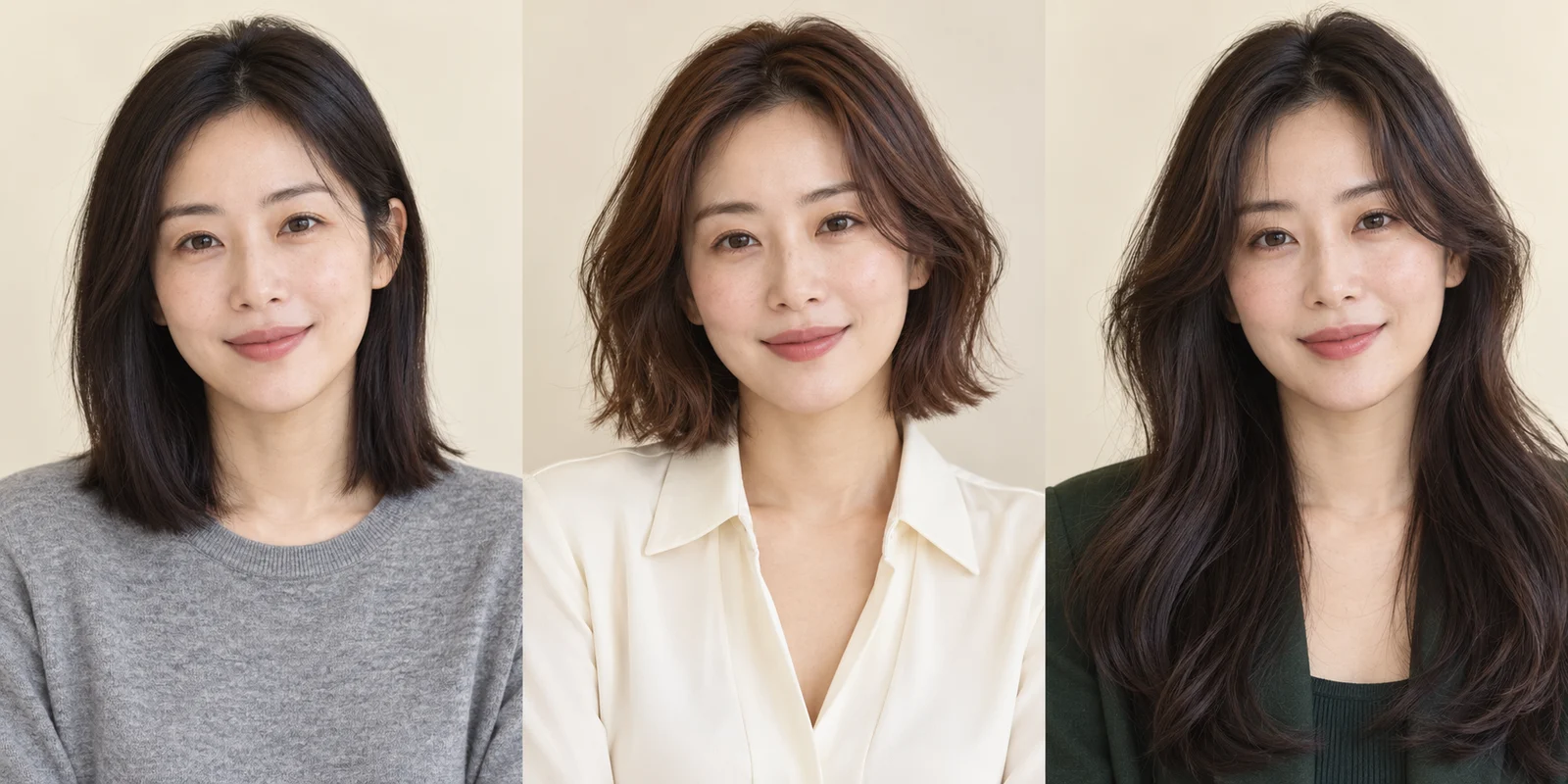
Choose a direction. Compare the details. Keep the version you love.
1 images, 20 credits reserved. Each successful image costs 20 credits; failed images are refunded.
Your photos are used only for this generation and are not stored long-term. Temporary files are automatically cleared. Please download your results.
Explore a specific choice, with the original always in view.
Pick only the categories you want to change. A new hair color can stand alone, or pair a haircut with light makeup and a different top.
Up to three categories keep each edit focused. Your selection summary shows the requested changes before you spend credits.
Make another version with revised choices. Each generation starts from your original photo, so successive experiments do not build on previous edits.
One person, even light and the whole area you want to edit in the frame.
Set your preferences and check the exact credit cost before you begin.
Inspect your previews next to the original and save the ideas you like.
Start with one question: a softer haircut, warmer hair color, a cleaner beard line or an outfit that feels more polished. Keeping the first edit focused makes the before-and-after comparison easier to judge. Then combine the ideas you like into a second look.
The AI photo makeover editor supports visible styling changes. Outfit edits work best when your shoulders and upper chest are in the frame. Hair edits need the full hairstyle visible. Use the preference field for details such as keeping the current length, preserving curls or choosing understated makeup.
Frame the whole hairstyle for hair edits.
Include upper-body clothing for outfit edits.
Start with one or two compatible changes.
Choose hairstyle, hair color, grooming, makeup, outfit or skin finish. You can combine one to three categories in a single image and add a short preference to guide the result.
No. A single generated image costs 20 credits whether it contains one, two or three selected categories. The total is shown before generation.
Yes. Leave the hair categories unchanged and select a makeup option. Unselected categories are included in the preservation instructions.
Custom Studio produces one image from choices you make. Glow-Up creates a coordinated five-image pack with a complete look and separate category previews.
Download the image to keep it. The current task is available temporarily for delivery, and there is no permanent online gallery. Keep your original locally if you want to generate another version later.
Your photos are used only for this generation and are not stored long-term. Temporary files are automatically cleared. Please download your results.
A DIFFERENT PERSPECTIVE
Your photos are used only for this generation and are not stored long-term. Temporary files are automatically cleared. Please download your results.