


How the free hairstyle finder works
The finder measures your face shape locally and combines that category with your selected length and texture. Recommendations come from a curated styling library, not a new image-generation request. The free result explains a few directions to try. The separate AI hairstyle changer renders a preview after you choose to use that paid tool.
Choose a haircut for your preferences, not just a label
Face shape is a starting point. A round outline can be paired with height or kept softly rounded; a square outline can be emphasized with a precise cut or softened with layers. Neither approach is mandatory. Decide what you want the style to do, then consider natural growth, density, curl pattern and how much daily work you accept.
From a shortlist to an AI hairstyle preview
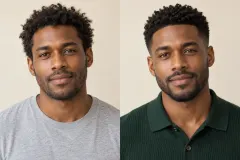
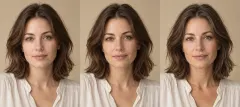
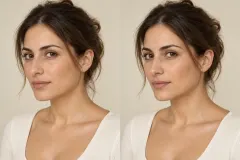
Use the free suggestions to choose a direction before spending on previews. A visual try-on helps communicate length, silhouette and fringe placement, but does not predict exactly how your own hair will fall. Bring the preferred reference and your maintenance constraints to a stylist; the same haircut behaves differently on straight, wavy and curly hair.
Frequently asked questions
Is the hairstyle recommendation free?
Yes. Shape detection and the text shortlist are free. Generating a hairstyle on your photo is available separately in AI Hairstyle Changer.
Does this work for short and long hair?
Yes. Choose short, medium or long hair, then add your texture preference to see the relevant shortlist.
Can I change the detected face shape?
The measurement result remains visible. If it sits near two profiles, use both as styling references rather than treating one category as a rule.